Private AI, on-device
No account. No subscription. No sending your words off to someone else's computer. The brain downloads once, lives on your device, and works wherever you are — plane, tunnel, or campsite.

Why it matters
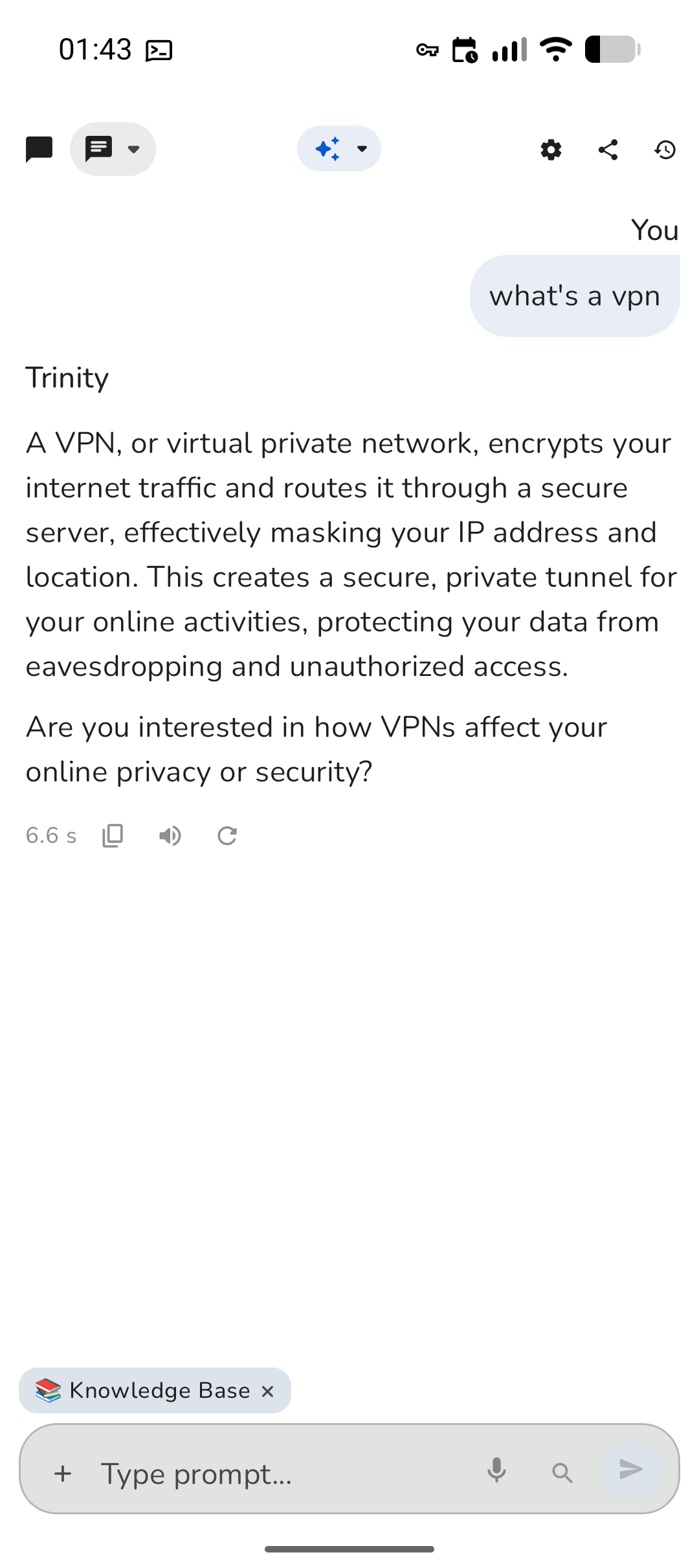
Open it on a plane, in a tunnel, or on a campsite. The brain is already on your device — no "you're offline" error.

Your questions never leave your hand. Sensitive work notes and rough ideas stay on the phone.
No monthly fee, no daily cap. Ask once or a hundred times — it costs the same because it runs on-device.
What it actually does
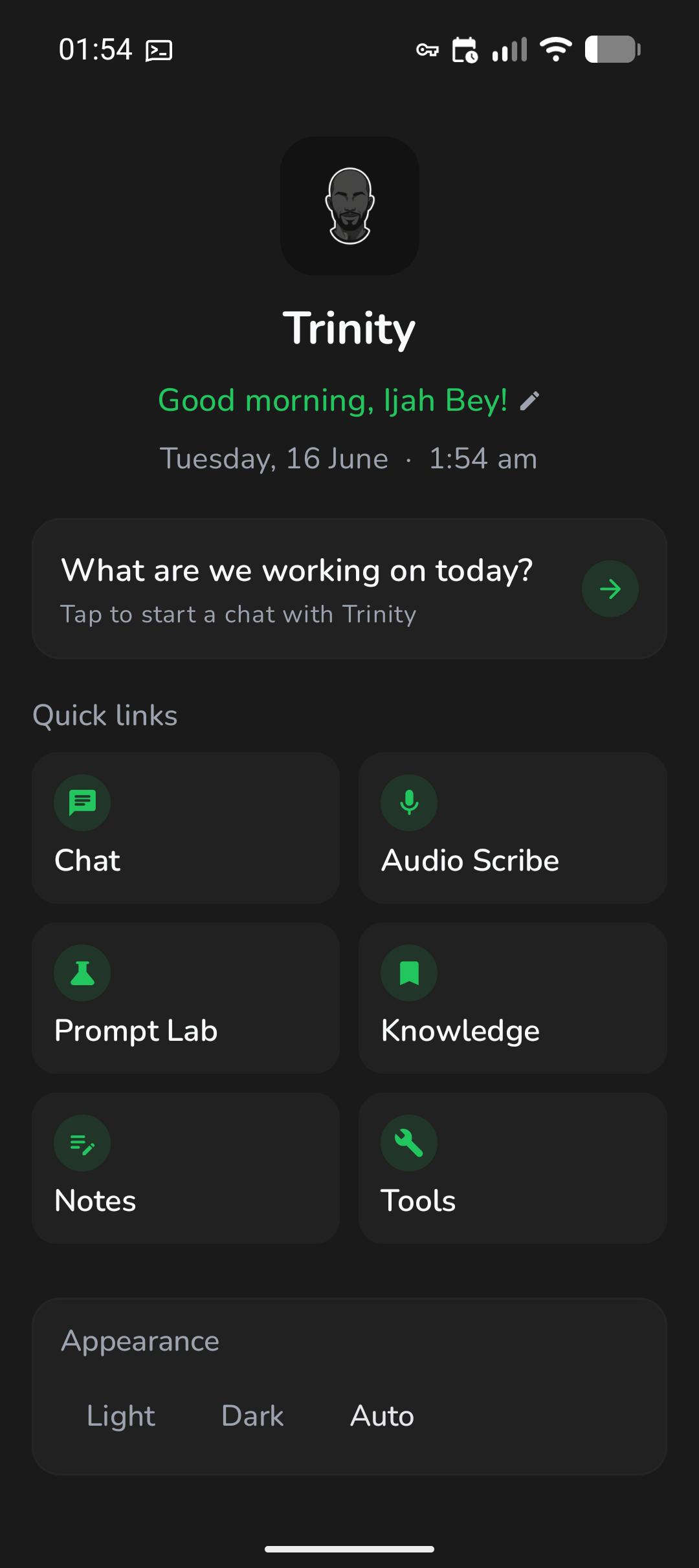
Trinity is more than a chat box. Here are the things your team will reach for every day — all running locally, with one optional web-search button when you choose to use it.
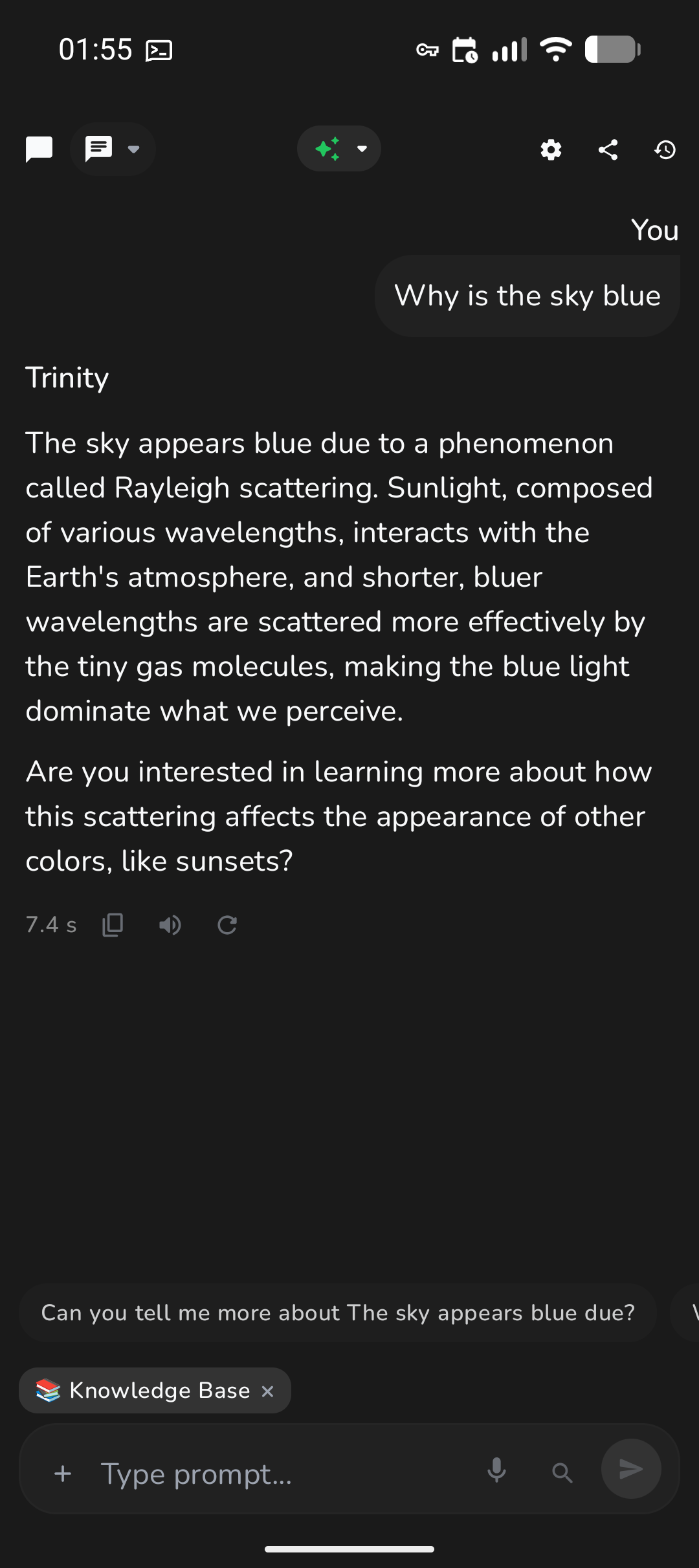
Explain a concept, draft a message, brainstorm, or ask follow-ups. The knowledge base keeps answers grounded — and you can clear it anytime.

Voice mode gives you a back-and-forth out loud — perfect when your hands are busy or you're on the move.

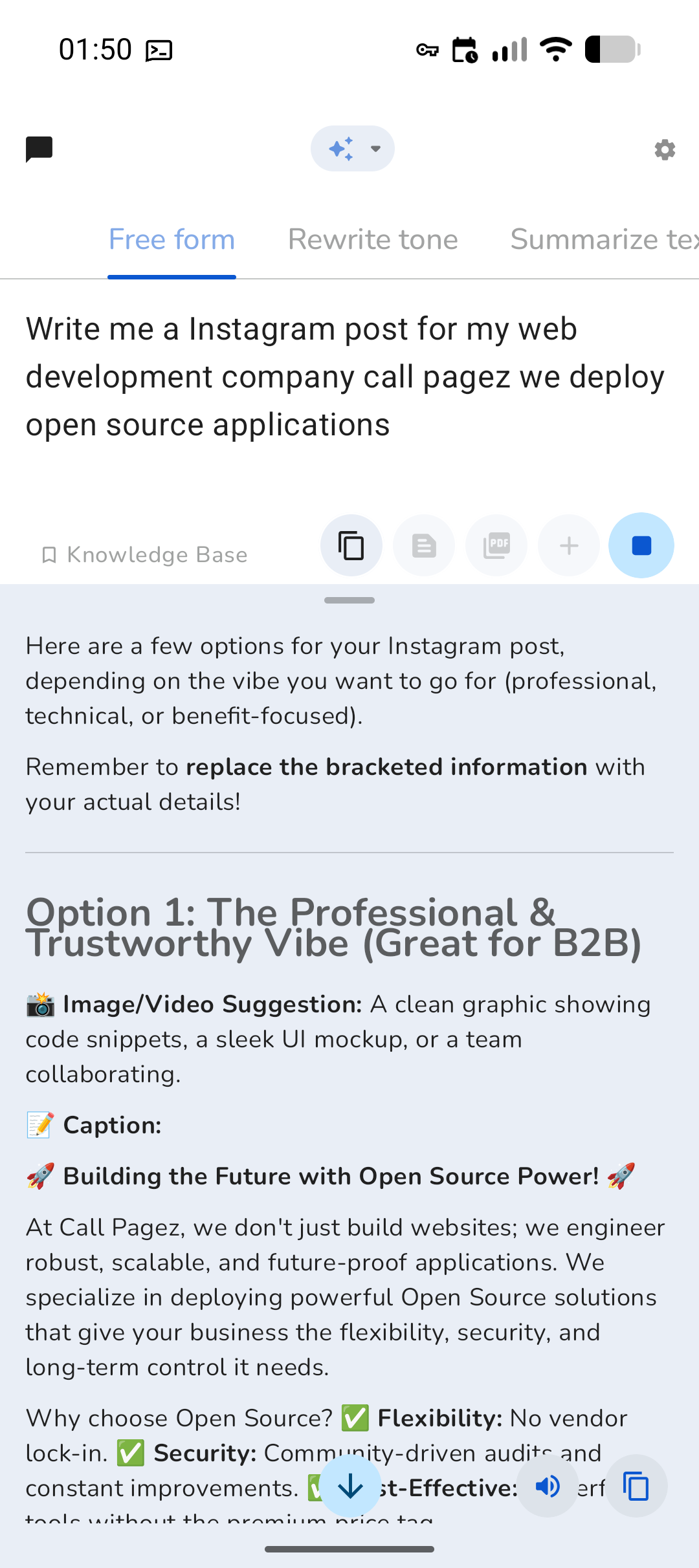
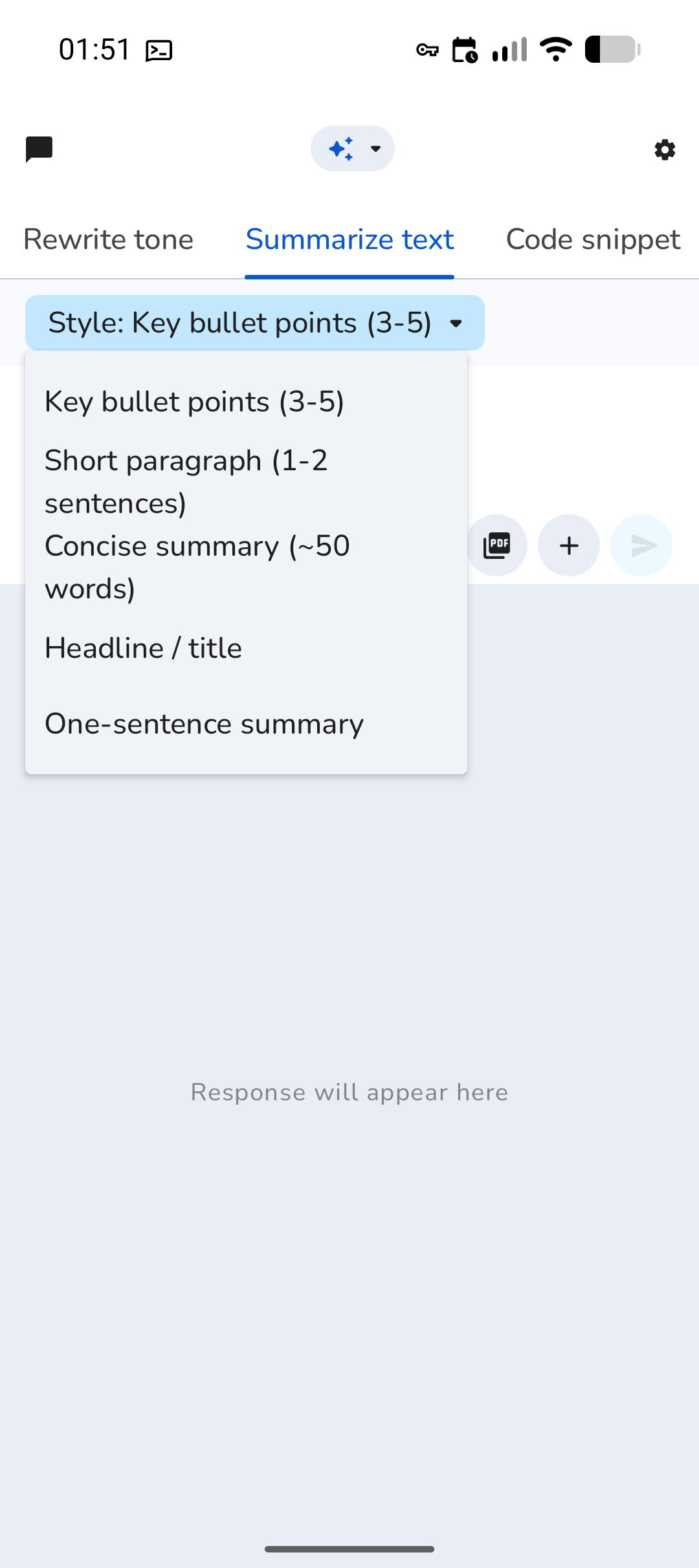
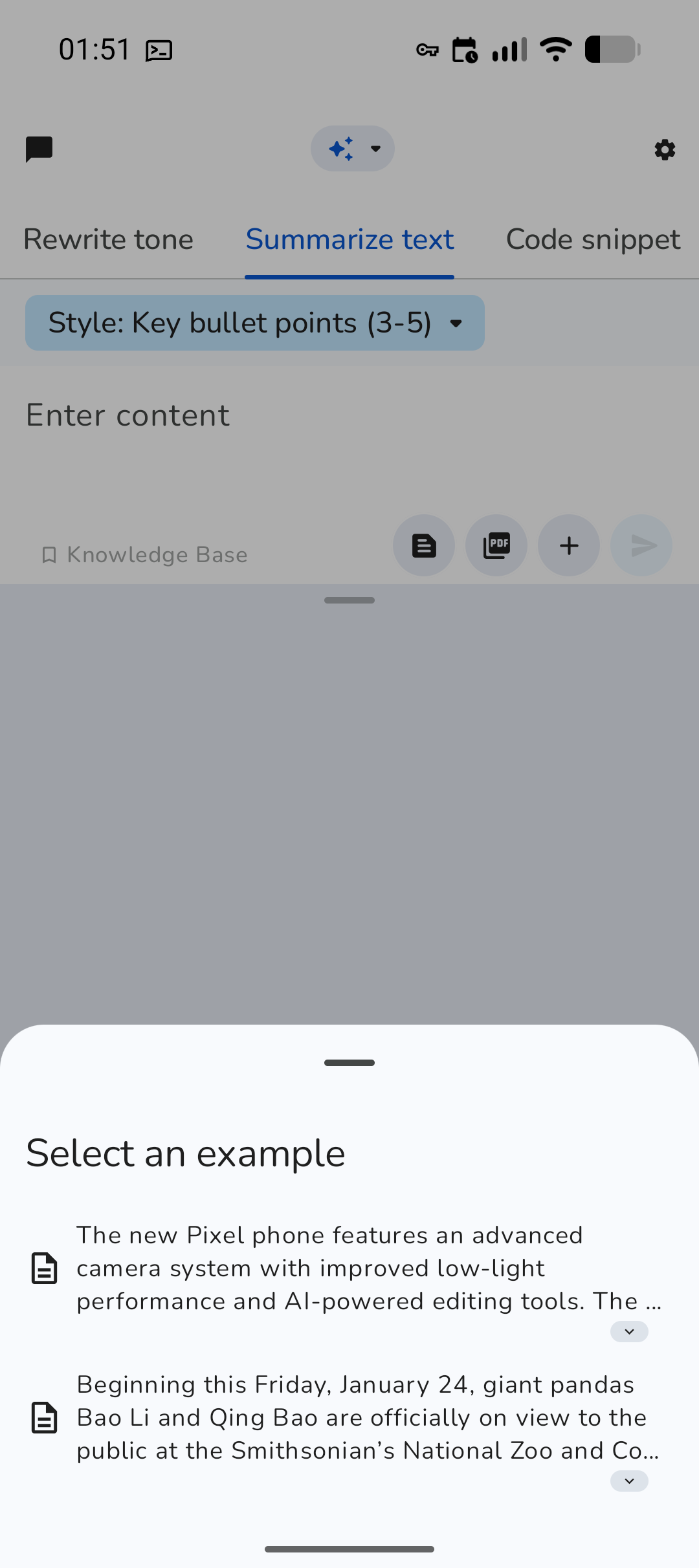
Free-form, rewrite tone, summarize, code explainer, decision helper, email drafter — reusable writing workflows in one place.

Drop in a report, contract, or article and get the key points in seconds without reading every page.

Point it at a label, sign, handwritten note, or screenshot and ask what's there.

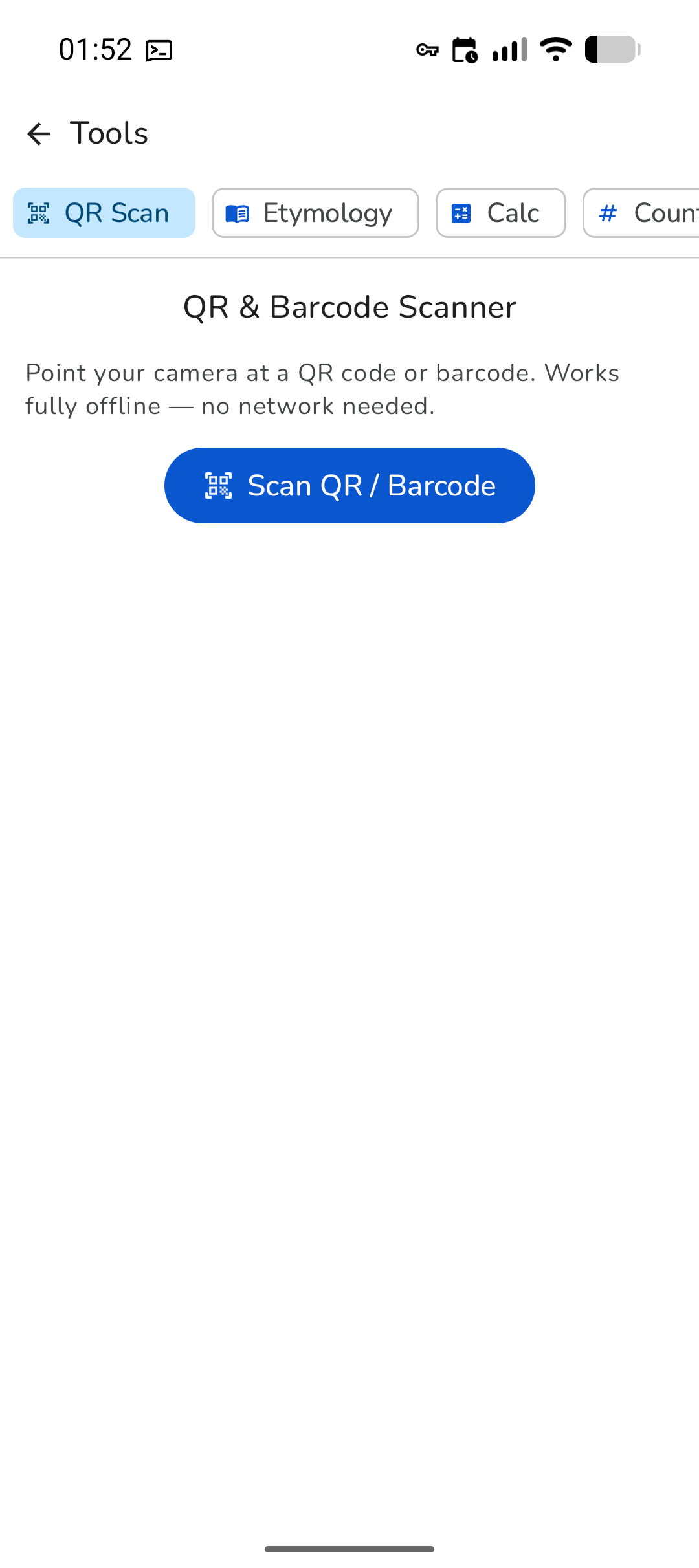
QR scanner, etymology lookup, calculator, password generator, markdown editor, JSON utilities, regex — no network required.

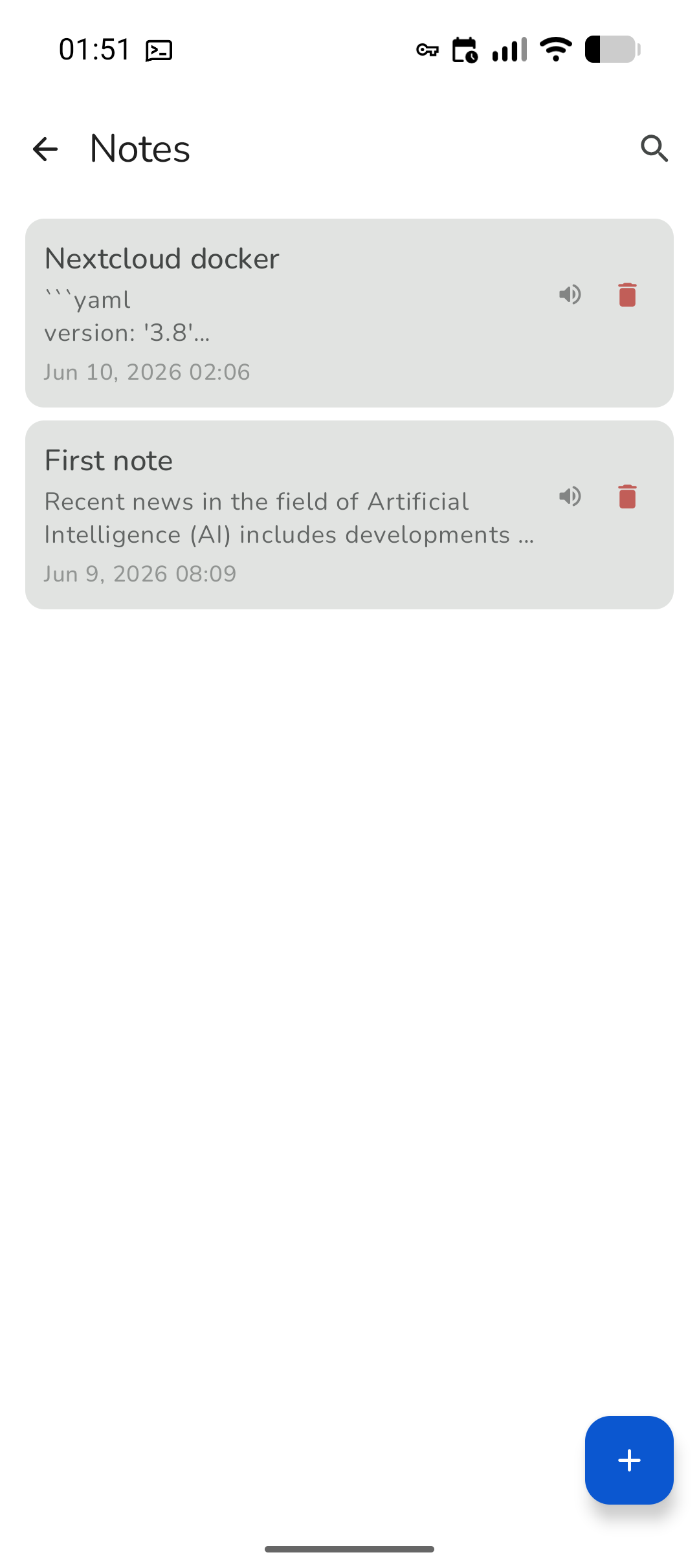
Save notes, read them back with TTS, and export any conversation as a clean, readable document with one tap.

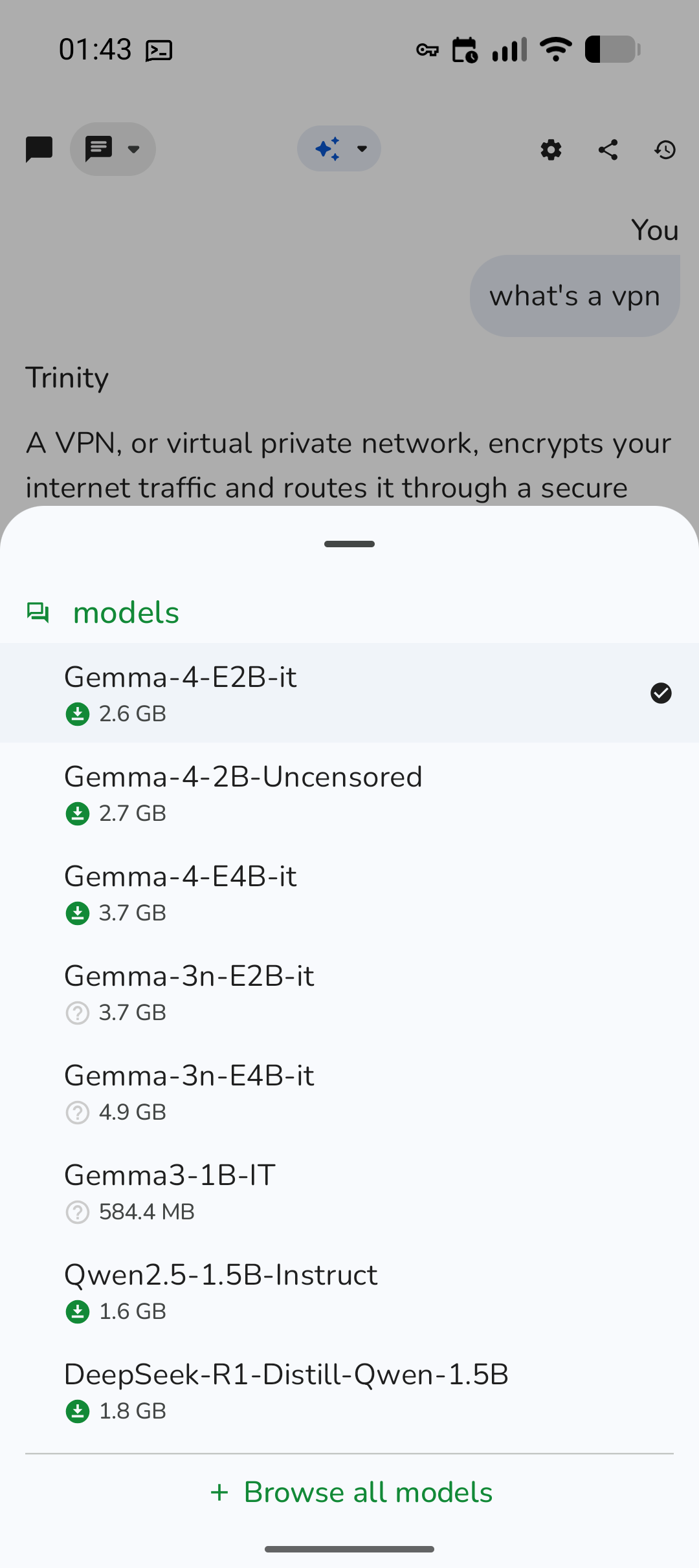
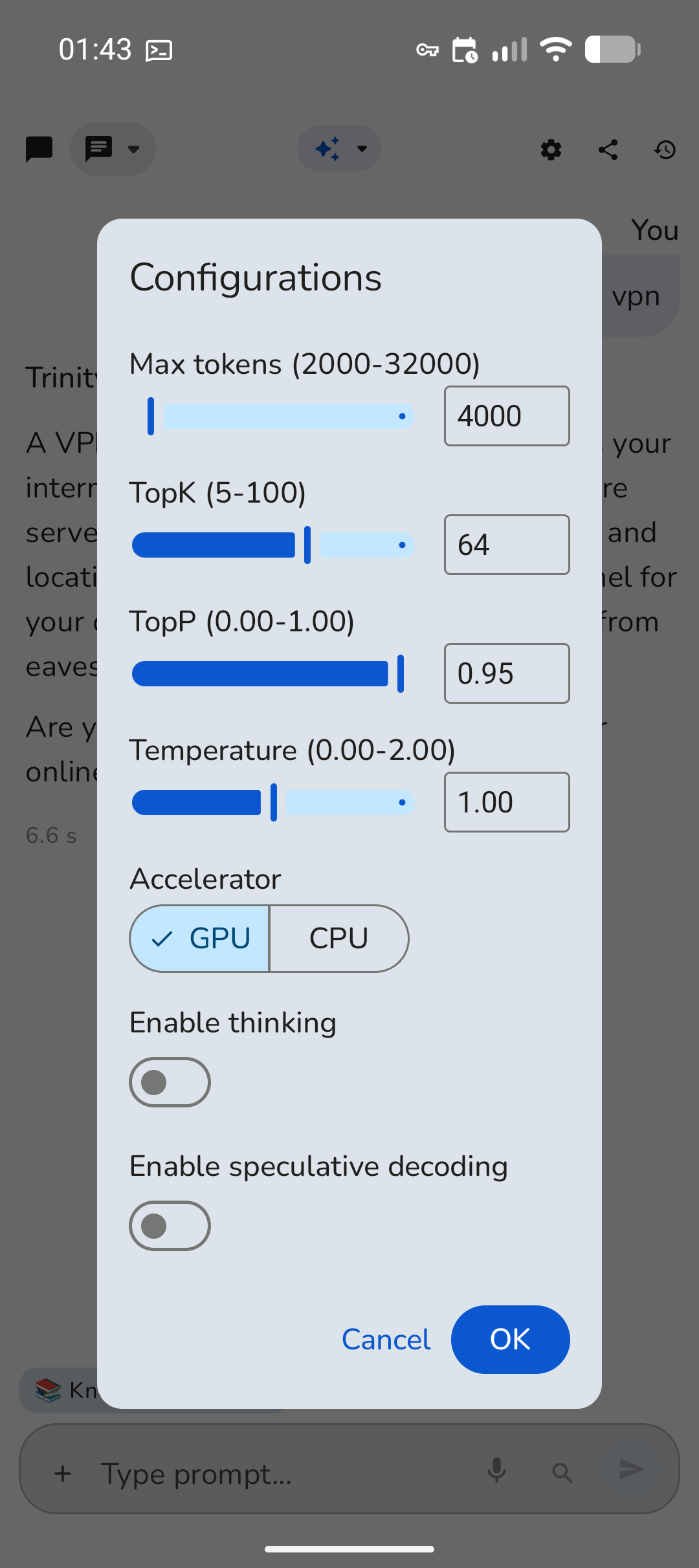
Download the model that fits your device and needs. Switch brains, tune generation parameters, and run on GPU or CPU.

Workflow shortcut
If your job has you asking the same kinds of things over and over, this saves real time. In the chat box, type a single slash and your saved prompts pop up. Tap one and it fills in instantly.

Why we want the team on it
Private rollout
Trinity is shared privately with my team and close family for now. Drop your details below and the request pings my phone — I'll send you the Trinity-debug.apk and a quick install note.
Android only. Trinity is a native Android app installed from an APK — it doesn't run on iPhone or iPad.
Once you have it
We want your feedback
If something feels slow, confusing, or missing — or if there's a feature that would make your day easier — say so. That feedback is exactly what turns this from a good tool into the one you actually keep using.
Give it a real try this week. We think it'll earn a spot on your home screen.
Share feedback